As an Amazon Associate, GrabYourLoot earns from qualifying purchases.
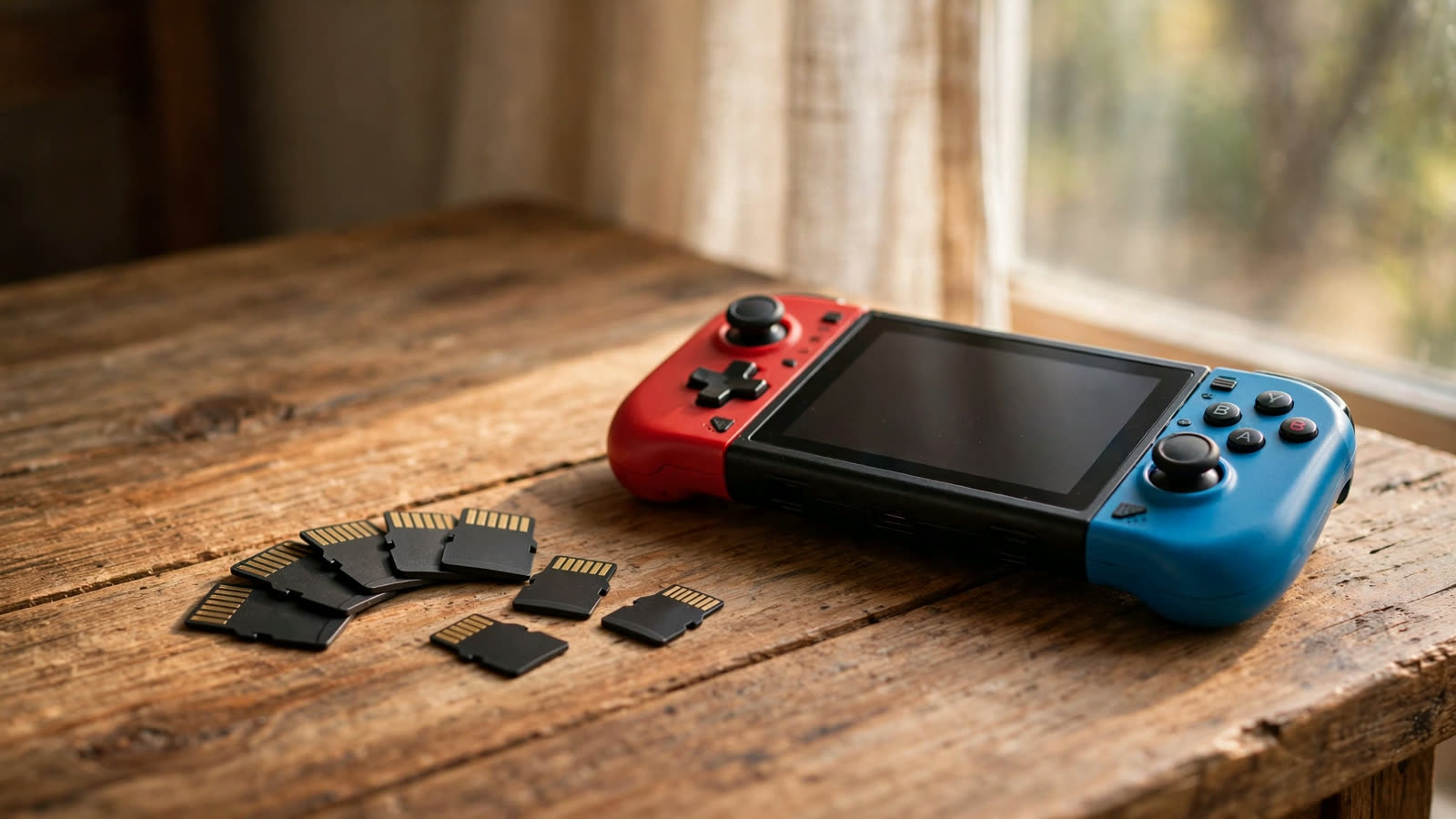
Every Nintendo Switch eventually runs out of room. The original Switch ships with just 32GB of internal storage, the OLED model bumps that to 64GB, and even the Switch 2’s 256GB fills up faster than you’d expect once a few big downloads land. A single digital game can easily eat 15GB or more, and screenshots and clips pile up on top of that. A microSD card is the cheapest, easiest upgrade you can make — but there is one catch you need to know before you buy.
There are now two kinds of card. The original Switch, Switch Lite, and Switch OLED all use regular microSD cards (the UHS-I type). The Switch 2, on the other hand, requires microSD Express cards for game storage — a much faster format built on the same tech as an SSD. Express cards also work in the older Switch models, just at regular speeds. Regular cards in a Switch 2 can only hold screenshots and video captures, not games. So: original Switch owners should shop the first four picks below, and Switch 2 owners should jump straight to pick five.
SanDisk microSDXC for Nintendo Switch (256GB)
This is the safest pick for anyone who owns an original Switch, a Lite, or an OLED model. It is officially licensed by Nintendo, so compatibility is a non-issue, and it comes in fun designs based on Mario, Zelda, and Animal Crossing. Read speeds reach up to 100MB/s, which is more than the Switch can use, and 256GB holds roughly 20 to 30 average-sized games.
Around $35 — Check price on Amazon
Samsung EVO Select 256GB
If you want the most storage per dollar, this is the card to beat. Samsung’s EVO Select line is consistently one of the cheapest options from a brand you can actually trust, and its speed is easily fast enough for Switch load times. The A2 rating means it also handles lots of small files well, which matters if you move the card into a phone or tablet later.
Around $25 — Check price on Amazon
Kingston Canvas Go! Plus (256GB)
Kingston’s Canvas Go! Plus is the quiet overachiever of this list. It advertises read speeds up to 170MB/s — far beyond what the Switch needs, but handy if you also use it for a camera or a Steam Deck — and it ships with a full-size SD adapter in the box. Reviewers consistently praise it as one of the most reliable budget cards on the market, and it is often priced right alongside the Samsung.
Around $25 — Check price on Amazon
SanDisk Extreme 512GB
All-digital players should skip the 256GB cards and go straight to 512GB. This SanDisk Extreme holds twice as much — dozens of games, plus every screenshot and clip you will ever take — and its U3, V30, and A2 ratings make it one of the fastest regular microSD cards you can buy. It costs more up front, but it is cheaper than buying a second card six months from now.
Around $60 — Check price on Amazon
Samsung P9 Express 256GB
Switch 2 owners, this is your card. The P9 Express is a true microSD Express card with read speeds up to 800MB/s — roughly eight times faster than a regular card — which is exactly what the Switch 2 demands for game storage. It launched at a very competitive price for the format, and 256GB is a sensible starting point given how much bigger Switch 2 games are. If your library is already huge, the 512GB version is worth the step up.
Around $55 — Check price on Amazon
More microSD card picks in our shop
We keep a running list of the microSD card gear we recommend in the GrabYourLoot shop — hand-picked and ready to browse.
What to look for
Capacity comes first. 256GB is the sweet spot for most Switch owners: enough for a healthy mix of downloads without paying for space you will never use. All-digital players, or anyone with a Switch 2, should seriously consider 512GB, because newer games keep getting bigger.
Speed ratings matter, but only up to a point. For the original Switch, look for U3, V30, and A2 on the label — that combination guarantees the card is fast enough, and anything faster is bonus speed for other devices. For the Switch 2, ignore those ratings entirely and check for the words “microSD Express” on the packaging. A regular card will not run Switch 2 games, no matter how fast it claims to be.
Finally, stick to name brands and buy from a reputable seller. Counterfeit cards are everywhere, and a fake 1TB card that is really 32GB inside will happily eat your save data. SanDisk, Samsung, Kingston, and Lexar are all safe bets. When a new card arrives, format it in the Switch itself (System Settings, then Data Management) before you start downloading — it takes a minute, and it is the best way to make sure everything works from day one.

1 thought on “Best microSD Cards for Nintendo Switch 2026: 5 Picks”